




CERTIFIED PROFESSIONALS
IN 150 COUNTRIES






CERTIFIED PROFESSIONALS
IN 150 COUNTRIES
Choose the Cybersecurity Training That Fits Your Career Goals
Empowering Professionals to Reach Their Cybersecurity Career Goals
Enterprise Offerings
At EC-Council, cybersecurity education is not mere knowledge transfer but the use of proven methods in all aspects of training– from content development to hands-on skill-development in labs to a proctored exam for certification.
Our trainings delves deep into the learning requirements of cybersecurity professionals worldwide to identify the challenges they face on job
Enterprise Offerings
At EC-Council, cybersecurity education is not mere knowledge transfer but the use of proven methods in all aspects of training– from content development to hands-on skill-development in labs to a proctored exam for certification.
Our trainings delves deep into the learning requirements of cybersecurity professionals worldwide to identify the challenges they face on job
Cybersecurity Career Track
EC-Council Offers a Wide Range of Powerful Career Tracks to Build Your Cybersecurity Career. Click below to See More Detailed Information and Select the Best Career Path for You
A Career in
Vulnerability assessment and penetration testing (VAPT)
VAPT is a technique to protect an organization against external and internal threats by identifying security threats.

A Career in
Network Defense and Operation
Network security covers many technologies, devices, and processes. It refers to a set of rules and configurations designed to protect the integrity, confidentiality, and accessibility of computer networks and data.

A Career in
Forensics
Digital forensic science is a branch of forensic science that focuses on recovering and investigating material found in digital devices related to cybercrime. Digital forensics is identifying, preserving, analyzing, and documenting digital evidence.

Incident Handling and Response
Cybersecurity professionals pursuing incident handling and response as a career require comprehensive training on Incident Handling and Response (IH&R) concepts and real-world scenarios. To help you build a career in Incident Handling and Response, we have…
Network Defense and Operation
Network security covers many technologies, devices, and processes. It refers to a set of rules and configurations designed to protect the integrity, confidentiality, and accessibility of computer networks and data. Network security consists of hardware and software..
Digital Forensic
Digital forensic science is a branch of forensic science that focuses on recovering and investigating material found in digital devices related to cybercrime. Digital forensics is identifying, preserving, analyzing, and documenting digital evidence…

Application Security
Application security is the process of deploying steps and protocols by organizations and developers to identify, repair, and protect applications against security weaknesses throughout the application life cycle. Furthermore, it is used to describe security measures at the application level..
A Career in
Application Security
Application security is the process of deploying steps and protocols by organizations and developers to identify, repair, and protect applications against security weaknesses throughout the application life cycle. Furthermore, it is used to describe security measures at the application level.
A Career in
Incident Handling and Response
Cybersecurity professionals pursuing incident handling and response as a career require comprehensive training on Incident Handling and Response (IH&R) concepts and real-world scenarios.
Choose Your Career Path
The choice of a career pathway is more challenging than ever due to the ever-changing career landscape. At EC-Council, we offer both professional certifications and career tracks.
Learners are guided to set clear objectives on where to get to and how to get, and succeed
Vulnerability assessment and penetration testing (VAPT)
VAPT is a technique to protect an organization against external and internal threats by identifying security threats.
Choose Your Career Path
The choice of a career pathway is more challenging than ever due to the ever-changing career landscape. At EC-Council, we offer both professional certifications and career tracks.
Learners are guided to set clear objectives on where to get to and how to get, and succeed
Trusted Worldwide
For over 2 decades, EC-Council’s Cybersecurity programs have empowered professionals around the world to exercise their training and expertise to combat cyberattacks. The Hall of Fame award program celebrates those individuals who have excelled, achieved, and fostered a spirit of leadership among their certified colleaguescertified colleagues and peers within the cyber community.
- 1 in Every 2 Professionals Received Promotions After C|EH.
- 97% Of Professionals Found C|EH Labs to Accurately Mimic Real-World Cyber Threats.
- 97% Of Professionals Stated That Skills Acquired In C|EH Helped Safeguard Their Organizations.
- 95% Chose C|EH for Career Growth.

Reviews
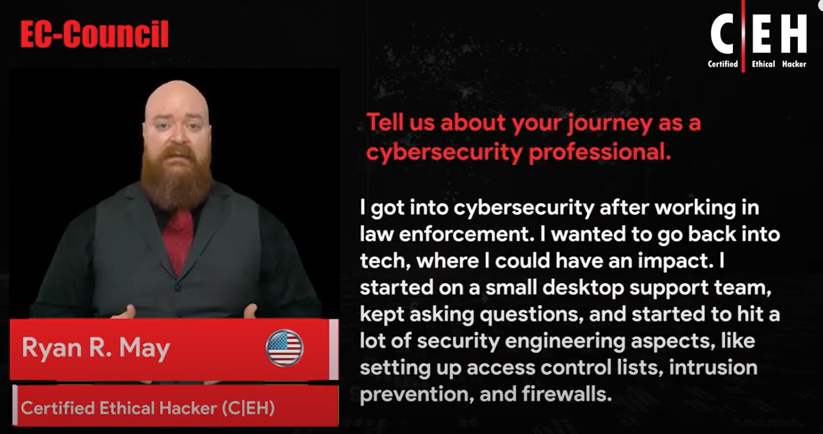
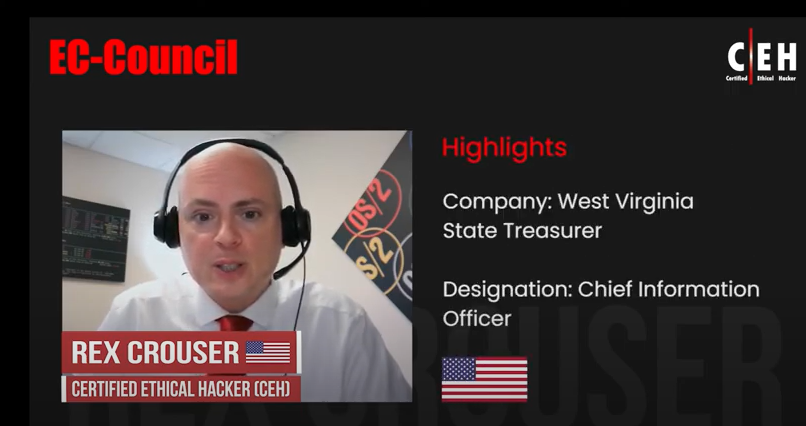


Iskren-yankon
Chief Expert Information Security Officer
Before I started the C|EH Training, I had some knowledge about KaliLinux, BackTrack, Wireshark and other tools, but the C|EH gave me a more advanced training on these tools and more, like Armitage, Metasploit, Burp Suite, Namp, Zenmap, Nessus, and many more


Seth Henry
System Engineer
The training material for C|EH was perfect! It had an abundance of knowledge and I was delighted to learn multiple practices to find and exploit vulnerabilities within a system


Christopher Kolling
Security Associative Principal
Day 5 of certified ethical hacker training. Enlightened! What an awesome learning experience! Thanks, Accenture